WebMD · LCP Largest Contentful Paint
3.2s 1.5s
Largest Contentful Paint improvement for millions of daily users
Ten years shipping high traffic features for brands like WebMD, Foreo, and Car and Classic - shipping the kind of frontend that holds up under real traffic.






Numbers from production systems serving millions of users.
3.2s 1.5s
Largest Contentful Paint improvement for millions of daily users
0.8s .3s
First Contentful Paint - users see content 62% faster
$0M
Series A raised while scaling the product - helped build the fullstack that got them there
.18 .18
Cumulative Layout Shift eliminated - zero visual instability
0+
Built alongside the team a design system 15+ engineers ship with daily
breadcrumb
pagination
coverage
94%
components
48
tokens
120

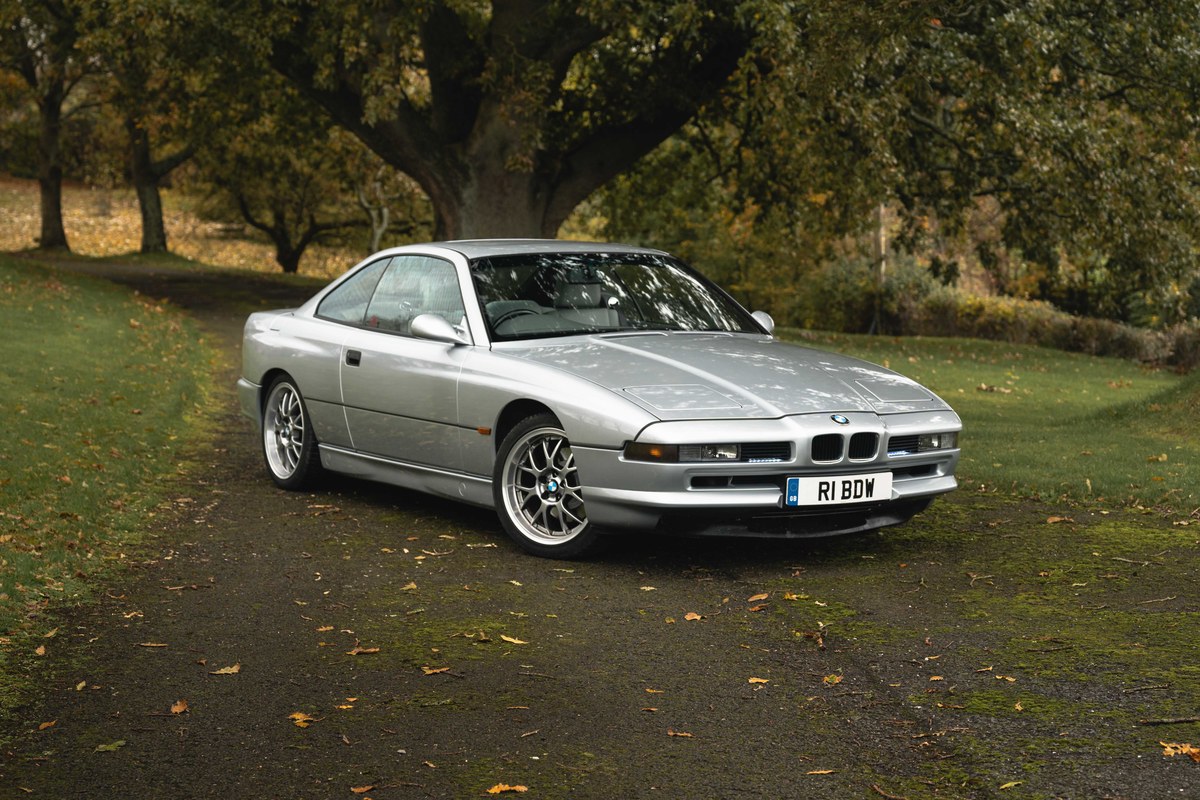

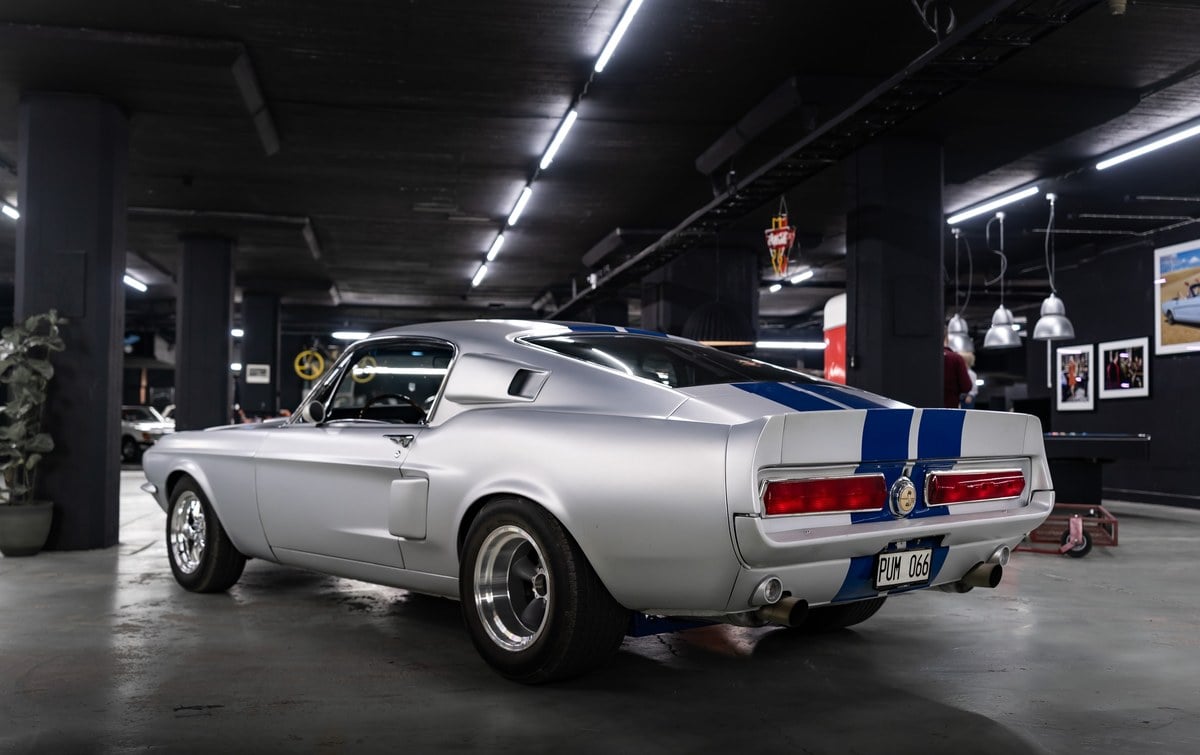
Ten years and counting.
Took on client work across e-commerce and marketing sites. Learned to ship fast, communicate clearly, and own the full stack from design handoff to deployment.
HTML, CSS, JavaScript, PHP
Led the frontend team from 1 to 3 engineers across a product sold in dozens of markets worldwide. Introduced component-driven architecture and established the team's first shared standards.
VueJS, Docker, PostCSS, Tailwind
Helped build complex, interactive workflows handling real business logic at speed. Shipped consistently through a high-growth phase that culminated in a $13.1M Series A investment round.
VueJS, Tailwind, Bulma
Worked closely with the WebMD team to rebuild their rendering pipeline. The result: layout shift gone entirely, perceived load times down by more than half.
React, VueJS, Tailwind, Docker
Worked with the Car and Classic team to build the search and filtering system powering Europe's largest classic car marketplace. Together we shaped a design system and component kit that 15+ engineers now rely on daily.
VueJS, TypeScript, Tailwind, Docker
Open to the right opportunity - a product with real users, a team that cares about craft, and problems worth solving at scale.
Get in touchReliable tools. Extensible by design.
Articles written to share experience and lessons.
Create a reveal text effect using clip path
Learn how to describe your family, feelings and professions in Italian
Building stacked cards with CSS transforms